best AI furniture staging tool
The 7 Best AI Furniture Staging Tools in 2026
An independent review of the top AI furniture staging tools for ecommerce brands in 2026 — compared on fidelity, reference-photo matching, speed, and price.
· 9 min read
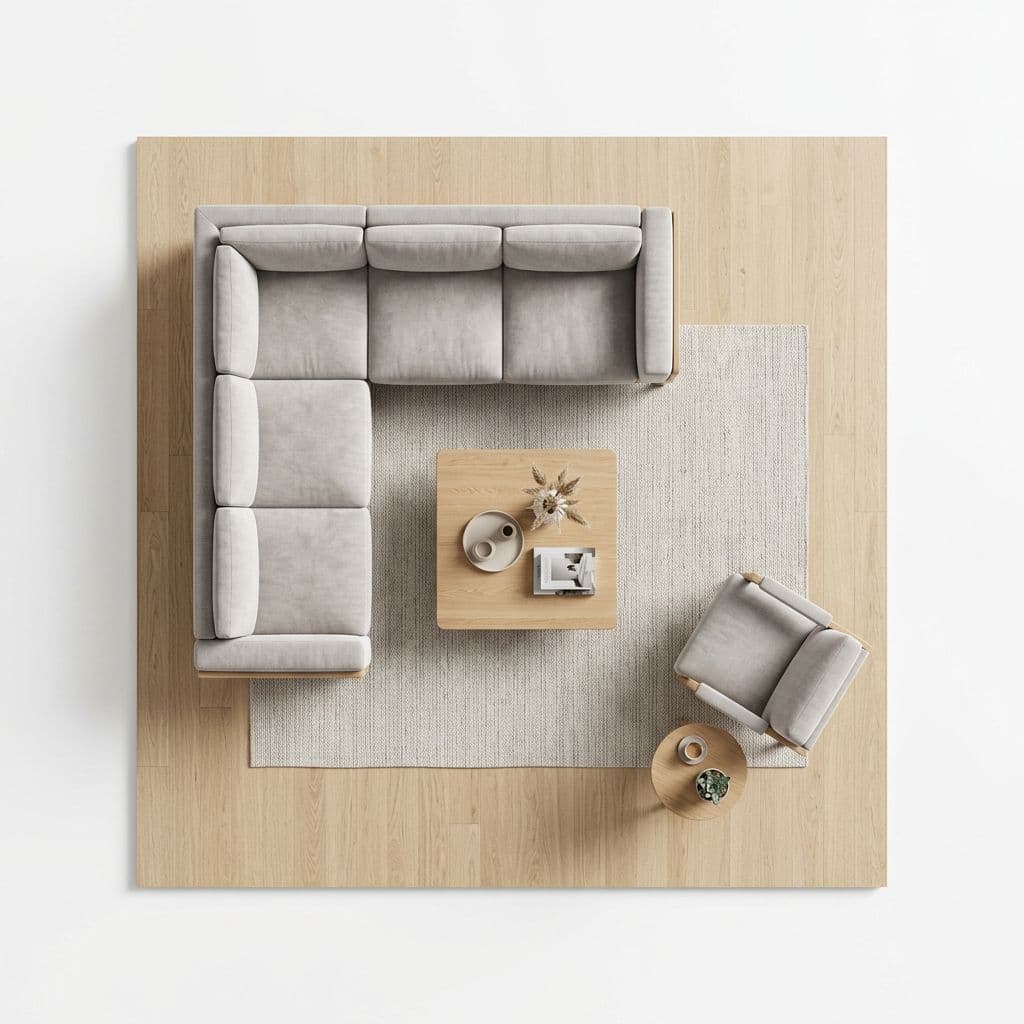
AI furniture staging has gone from novelty to line item in 18 months. Every ecommerce furniture brand we talk to has at least experimented with it; about half now run it as part of their normal catalog workflow. The question stopped being whether to use it and became which tool actually holds up when you're staging 500 SKUs a quarter.
We reviewed 7 of the tools our customers mentioned most often, staging the same two products (a mid-century sofa and a round dining table) in the same three scenes each. Below is what we found — ranked the way an ecommerce team should rank them: by how much they move the needle on your PDPs, not how impressive the demo video is.
How we tested
Fair reviews start with a consistent test. For every tool on the list we uploaded identical product photos, picked the nearest equivalent of three scene types (a minimalist living room, a coastal-style bedroom, and a modern dining space), and graded the output on:
- Product fidelity — does the sofa that comes out look like the sofa that went in? Stitching, leg shape, cushion count, fabric weave.
- Scene realism — do the proportions make sense? Does the furniture actually touch the floor? Is the lighting coherent?
- Brand consistency — can we feed the tool a reference shot from our existing catalog and have it match the look?
- Workflow fit — how many clicks per image? Can we stage a batch? Can we export 4K?
- Price per image — fully-loaded cost, not just the headline rate.
The ranked list
1. Shotless
Purpose-built for furniture and ecommerce. The differentiator is product preservation — Shotless treats your uploaded photo as the source of truth, so sofas come out with the exact stitching and cushion count you sent in, not the model's "interpretation" of a sofa. The reference-photo mode is the other standout: drop in a brand shoot and every new scene matches your palette and lighting.
Variant generation (color, material, and camera angle) and a 24-frame turntable viewer come built-in. Pay-as-you-go credits — no subscription — which is the right fit for catalog teams whose volume spikes around seasonal launches.
Best for: furniture brands selling on Shopify, Amazon, Wayfair, and direct. Weakness: no template marketplace yet — you build scenes from presets or reference photos, not from community-shared prompts.
2. Flair.ai
Broad general-purpose product photography tool. Strong for small goods (cosmetics, fashion accessories) and has a big template library. For furniture specifically, we saw consistent product-scale issues — ottomans coming out the size of armchairs, sofas hovering above rugs. Workable if you have a human in the loop to filter outputs.
3. Pebblely
Cheapest of the bunch. Good for quick background swaps on small product shots; falls apart the moment the AI has to reason about a whole room. We couldn't get a coherent living-room scene out of it after 30+ tries. Fine for lifestyle backdrops behind a pack shot, not fine for a proper PDP hero.
4. Booth.ai
Strong scene realism, solid lighting model. But no furniture-specific prompting or fidelity guards, so we had to run every generation through manual QA. Variants require re-prompting from scratch — not workflow-friendly for catalog teams.
5. Midjourney
Still the creative ceiling for pure visual quality, but it's a creative tool, not an ecommerce tool. No product upload, no reference matching, no batching. You're writing text prompts and hoping the sofa that comes out looks anything like yours. Great for mood boards, bad for PDPs.
6. AutoRoomAI
Focused on interior-design render for real-estate / virtual staging. Scenes look plausible but product fidelity is weak — it treats your uploaded piece as a suggestion for what to place, not the actual item. Walk past it if you're an ecommerce brand.
7. Generic "AI scene" plugins
Shopify-app-store level tools that wrap a generic image model. Cheap, fast, unrecognisable output. We'd only recommend them for internal mood-boarding, never for customer-facing imagery.
What matters, in priority order
If you're comparing two tools head-to-head and can only pick one, the ranking below is how we'd weigh the criteria. Product fidelity is doing ~60% of the work:
- Product fidelity. A perfectly-staged scene with the wrong sofa in it is worthless.
- Reference-photo matching. Consistency with your existing brand imagery is the compound return — it's what stops your PDPs from looking like they came from 8 different photographers.
- Variants + angles. Seasonal catalogs need 10+ colorways per SKU. If this isn't batch-first, you'll outgrow the tool by month 3.
- Export resolution. 4K or don't bother. Marketplaces have minimum-dim requirements now.
- Price per image, fully loaded. Headline rate matters less than effective rate after rejected outputs + retries.
The cost comparison
Unit economics matter most at catalog scale. A brand shipping 200 SKUs per quarter × 4 scenes each × 2 color variants = 1,600 images per quarter. At typical pricing:
- Studio photography: $80–120 per final image. ~$128,000–192,000 per quarter.
- Shotless: $0.20 per credit, 1 credit per single-product scene. ~$320 per quarter.
- Midjourney / Flair: subscription-based, roughly $30–200/mo — cheap per image but capped at the subscription tier, plus the QA labor cost which is non-trivial.
Whatever tool you pick, the order-of-magnitude savings vs. a real studio are what keeps AI furniture staging glued to your budget once it's in.
Our recommendation
If you're in ecommerce furniture and you want the tool we would pick: it's Shotless, which is the tool we built because nothing on this list nailed product fidelity for furniture. If you're on a different vertical or want to broaden the shortlist yourself, run the same test above with your own SKUs — the fidelity check will surface the right answer within an afternoon.
Shotless gives you free credits on signup so you can test the fidelity check on your own products before spending a dollar. Try it free →